
How to Handle AI Misinformation About Your Brand
Is AI giving incorrect prices, business hours, or service details for your brand? We provide a step-by-step guide to finding the cause and helping AI systems correct their information.
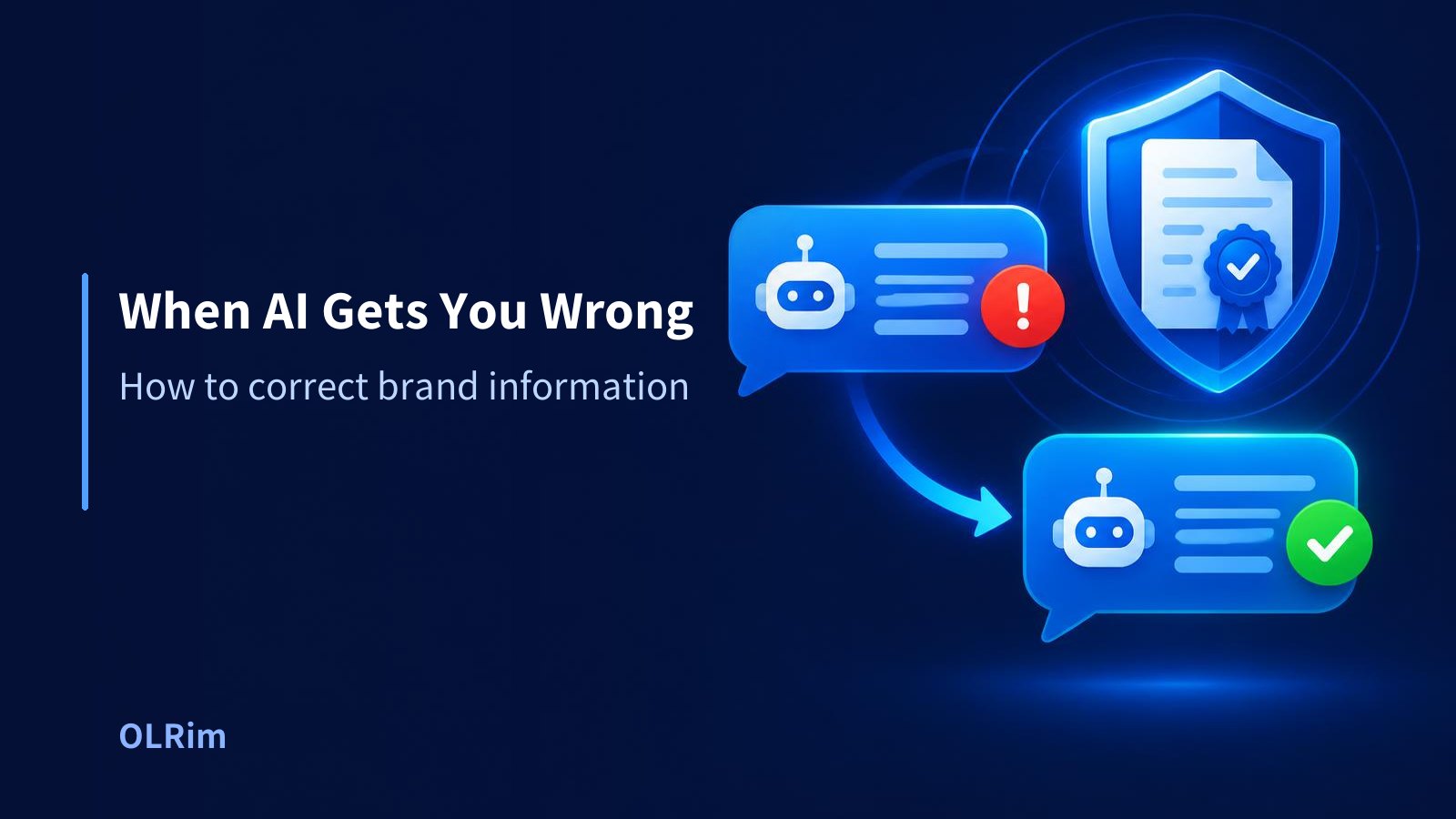
One-line summary: AI hallucination occurs when outdated or incorrect brand data spreads online; you must guide machines to relearn the facts by updating your official website, unifying external data, applying structured data, and using AI feedback features.
Hallucination: Why Does AI Lie?
Recently, the number of people using AI search engines like ChatGPT and Gemini has increased significantly. Many assume AI is a perfect computer that knows all the right answers. However, you will often see AI confidently telling lies.
This phenomenon is called Hallucination (an error where the AI generates plausible-sounding but factually incorrect content). Hallucinations happen because of how AI works. AI does not memorize every correct answer in the world like a static encyclopedia.
Instead, AI analyzes questions based on the vast amount of text and data it has previously learned. It then mathematically predicts the most natural word to follow, constructing a sentence. For a hypothetical example, think of a student who hasn't studied properly for an exam. Even if they don't know the exact answer, they fill in the blanks with something that looks plausible based on context.
When AI encounters something it doesn't know, it tries to fill the gap naturally rather than admitting it is unsure. In this process, it presents false information to people as if it were fact.
3 Common Reasons AI Gets Your Brand Info Wrong
Why does a smart AI get your company’s important details wrong? There are usually three common causes.
First, it could be due to outdated posts left on the internet. Old blog posts or news articles from five years ago might still exist. AI lacks the ability to perfectly distinguish between the latest and oldest information on its own. Consequently, it might provide an old address as your current location even if you have moved.
Second, information may differ across channels. Imagine a hypothetical company called 'OLRim Cafe.' If this cafe's weekend hours are listed as starting at 9:00 AM on Naver Maps but 10:00 AM on the official Instagram profile, the AI becomes confused. It may pick one at random or combine them to create a strange set of hours.
Third, there is a lack of clear official information. Many companies fail to list specific business introductions or service prices on their websites. Without official data to use as a baseline, AI might gather speculative posts or inaccurate reviews from online communities and present them as official brand answers.
How to Verify Your Brand Information
The first step to solving the problem is checking how AI currently perceives your brand. You should access various AI services and search for your company name.
It is best to use popular platforms like ChatGPT, Microsoft Copilot, Google Gemini, and Naver CLOVA X. Ask specific questions, starting with a general one like "Tell me about [Company Name] in detail." Then, break it down: "What are the main services and prices of [Company Name]?" or "What is the location and CEO name of [Company Name]?"
We recommend using your web browser's Incognito Mode (a mode where browsing and search history aren't saved, so your personal preferences don't influence results). When the AI responds, carefully check if the CEO's name, location, main products, pricing, and contact info are correct.
If you find an error, don't just ignore it. Search for that specific wrong information in a general search engine to see if it exists in an old blog post or a past review. You need to find the source of the error to fix it properly.
Correction Methods: Search Engines vs. AI Search
To correct misinformation, you must understand the difference between traditional search engines and AI search.
| Category | General Search (Google, Naver, etc.) | AI Search (ChatGPT, Copilot, etc.) |
|---|---|---|
| Information Delivery | Lists relevant website links (URLs) for the user. | Summarizes info from multiple sites into single sentences. |
| Source of Info | The original content of each website is visible. | Sources are blended as AI creates a new answer from training data. |
| Handling Errors | Updating a website leads to a relatively fast update once crawled. | AI may keep giving old answers until it relearns new information. |
As seen in the table, AI search may be slower to reflect corrections than general search. This requires a more proactive and meticulous approach.
Step-by-Step Guide to Correcting Errors
To encourage AI to relearn the correct information about your brand, follow these steps in order:
Step 1: Unify All Online Information
The most critical task is ensuring your brand information is identical across the internet. The company name, address, and phone number must be unified exactly down to the character. This is known as NAP (Name, Address, Phone number), the core data used to identify a business online.
Update your NAP on your official website and all social media profiles. In a hypothetical example, if your address is '123 Example-ro, Yangcheon-gu, Seoul' on your website, do not write '123 Example-ro, Seoul' on Facebook. Unify the spacing and notation perfectly so the machine doesn't get confused.
Step 2: Update Official Website Pages and FAQs
AI considers information on an official website to be the most important and trustworthy data. Create clear pages for 'Company Introduction,' 'Directions,' and 'Service Info.' Use clear, easy-to-understand language rather than overly technical jargon.
Additionally, utilize a FAQ (Frequently Asked Questions) section. If you noticed specific errors the AI kept making during your check, post those topics in the FAQ. Pairing clear questions with clear answers helps the AI grasp the correct information.
Step 3: Apply Structured Data (JSON-LD)
Implement structured data on your website. Structured data is an information tag that helps machines understand webpage content. While humans can easily spot a phone number or address, machines see them as just strings of text.
By adding structured data in HTML code, you are labeling the content for the machine (e.g., this is a company intro, this is a product description). When machines can read data accurately and quickly, the probability of AI hallucinations decreases.
Step 4: Correct External Profiles and Map Services
AI trusts well-known external sites as much as official websites. Update your business information on map-based services like Google My Business, Naver Smart Place, and Kakao Maps.
If your business hours or holidays change, start by correcting these map services. Also, meticulously update profiles on LinkedIn, Instagram, and Facebook. When external and internal data match, the AI will trust that information as a confirmed fact.
Step 5: Use the Feedback Feature on Each AI Service
Once you've corrected the info online, tell the AI directly that it was wrong. Most AI services have evaluation buttons (like a 'Thumbs Down' or 'Send Feedback' icon) next to their answers.
Click this button and send a specific correction request. For example: "The current CEO of this company is not [Wrong Name], but [Correct Name]. Please update the information referring to the company introduction page on the official website." It is very important to include the URL of the official website containing the correct facts.
AI Information Correction Checklist
Use this checklist to ensure you've applied the correct measures:
- [ ] I searched for our brand name on multiple AI services like ChatGPT and Gemini.
- [ ] I noted the specific details and items the AI got wrong.
- [ ] The phone number and address on Naver Maps, Google Maps, etc., match the official website perfectly.
- [ ] The official website contains the latest brand information in easy-to-read sentences.
- [ ] I created an FAQ section on the website to answer questions the AI was confused about.
- [ ] Structured data is correctly implemented in the website’s backend code.
- [ ] I reported incorrect AI answers using the feedback button, including an official link.
Note: There Is No Guarantee of Instant Correction
Completing these steps does not mean the AI's answer will be perfect tomorrow. Global companies operating AI services do not disclose exactly when or how their AI learns new information.
It takes time for an AI to crawl the internet again, collect new data, and update its training. Reflections can take a few days or even several months. Remember that an immediate fix is not guaranteed. Be patient and consistent in maintaining correct information online.
Frequently Asked Questions
Will sending feedback multiple times every day fix it faster?
There is no official guarantee that the frequency of feedback leads to faster corrections. However, if the same error is reported consistently from different devices or accounts, the AI system may prioritize the issue. It is much more important to accurately provide the official website URL that supports the facts rather than just increasing the number of reports.
The AI keeps mentioning old blog posts we already deleted.
This happens because AI doesn't always search in real-time; it answers based on data collected in the past. Even if you deleted the original post, it remains in the AI's "memory" (past training data). To overwrite these old memories, you must continuously post new content and official notices with updated information. Eventually, the AI will collect the new data and determine that the old information is no longer in use.
What is the GEO service that helps AI read our information better?
GEO (Generative Engine Optimization) involves optimizing your brand's information so that AI search services like ChatGPT and Gemini can accurately understand and include it in their answers. It is the evolution of traditional SEO for the AI era. Unifying official website info, writing in Q&A formats, and using structured data are all vital parts of the GEO process.
Summary
It is frustrating to encounter AI hallucinations where your brand's information is misrepresented. However, this is not an intentional attack on your brand. It is simply a natural error resulting from the AI guessing answers based on outdated or insufficient data.
To solve this, you must unify all official brand information across the web. Creating machine-readable document structures and consistently providing feedback to AI systems is the best course of action. Even if it doesn't change tomorrow, consistent management of correct information will eventually lead AI to recognize and deliver the true face of your brand.